
Two GitHub accounts on the same machine, personal and work? Here's how.
The simplest authentication goes through SSH keys. Start by setting up an SSH key for each account on GitHub.
Say you have these two keys:
~/.ssh/id_ed25519 (personal)
~/.ssh/id_ed25519_pro (work)
Add them to the SSH agent:
ssh-add ~/.ssh/id_ed25519
ssh-add ~/.ssh/id_ed25519_pro
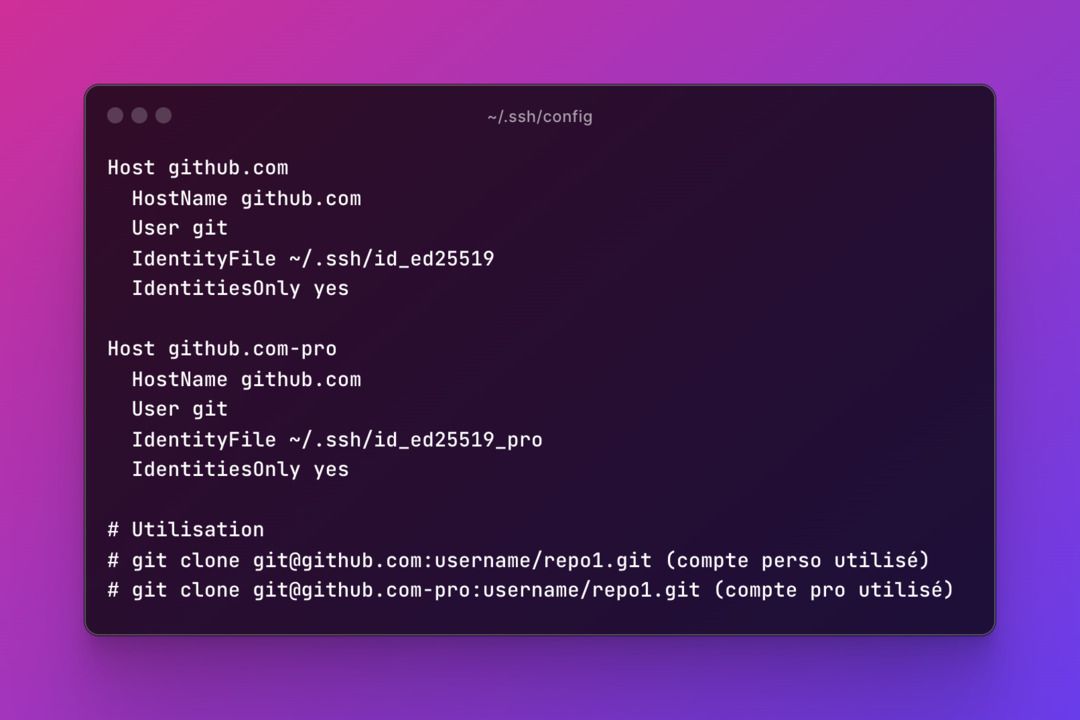
Configure ~/.ssh/config:
Host github.com
  HostName github.com
  User git
  IdentityFile ~/.ssh/id_ed25519
  IdentitiesOnly yes
Host github.com-pro
HostName github.com
User git
IdentityFile ~/.ssh/id_ed25519_pro
IdentitiesOnly yesTest the connection on each account:
ssh -T git@github.com
ssh -T git@github.com-pro
The personal account is used by default. To use the work account, add the -pro suffix to the repo URL:
git clone git@github.com:username/repo1.git      # personal
git clone git@github.com-pro:username/repo1.git  # work