

Every time I call someone, my little boy runs over to grab the phone. He hunts for the call icon, goes "Hello! Hello!", and sometimes real calls go through. Time to sort that out. I built an application that fakes a call for him.
I wanted the application as simple as possible, so I decided to build these three things:
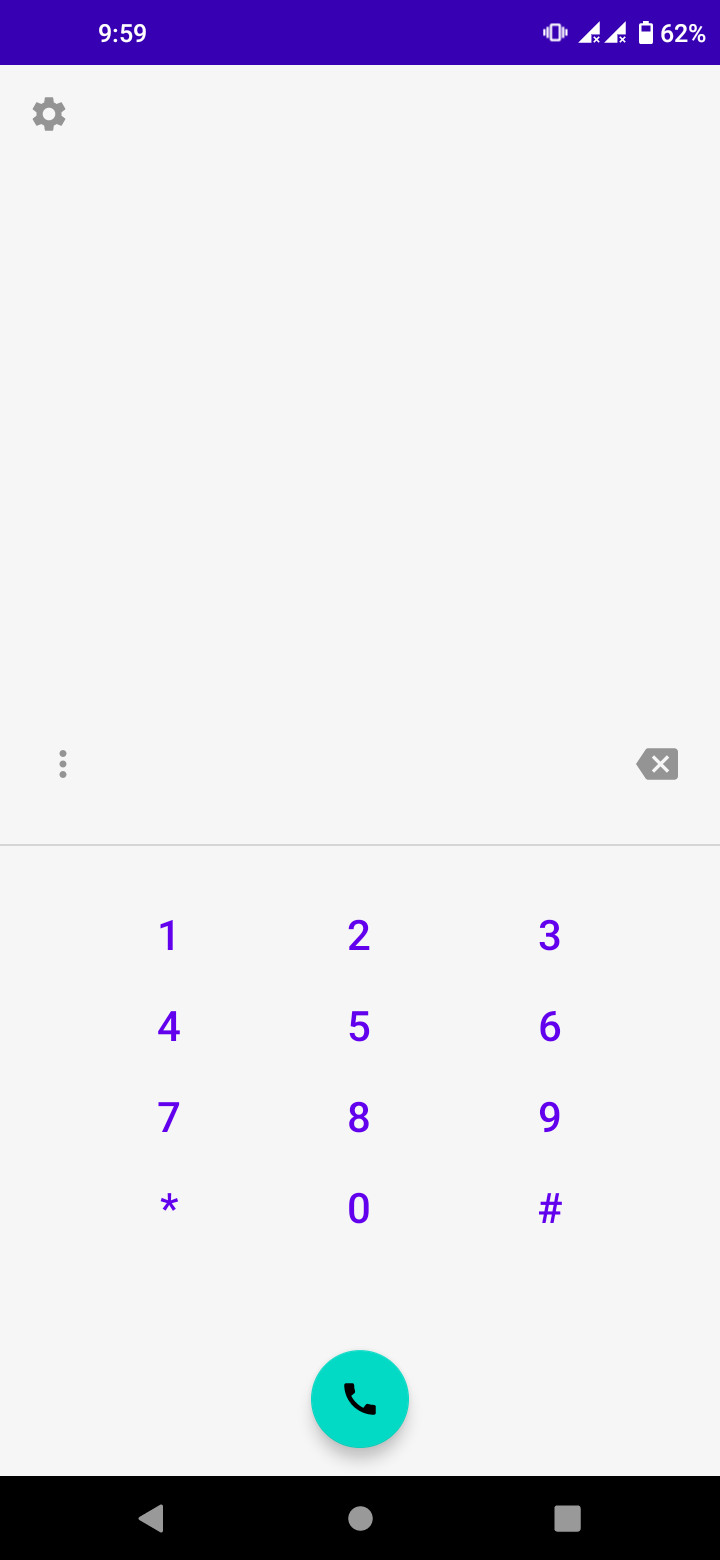
- A screen to type in a number
- A screen that shows the call in progress and plays the chosen voice
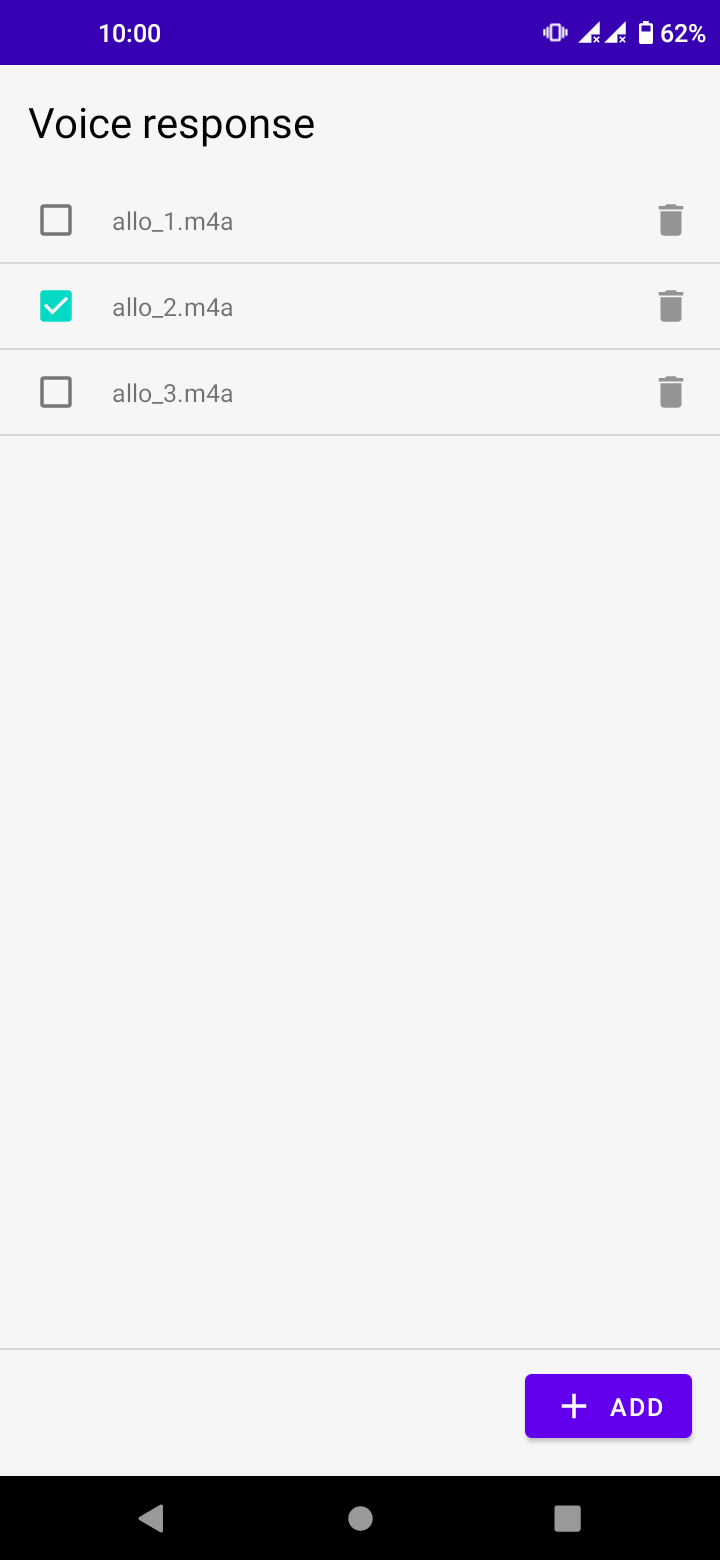
- A screen to add and pick a voice to hear during the call
I always build mobile applications with React Native, and when I'm doing the Android configuration for certain libraries, sometimes I don't really know what I'm doing. That's why I'm building this one with Kotlin, so I can find out.
Building it
My main goal here is to understand the Android ecosystem, routing, access to the different storages, and so on. Then to learn enough Kotlin to write the code.
Early in development, the MVVM architecture with XML is hell. Used to React and declarative UI, even a simple TODO list takes three tons of code. Kotlin, on the other hand, is simple and pleasant to learn.
I came across Compose, which follows the declarative UI principle. I hadn't tried it at that point, but it's clearly the direction to go.
I spent about three days in total finishing the application and getting to know Android. Here are the three screens:

Conclusion
I'm not comfortable with the classic Android architecture, but Compose makes me want to dig into native. The catch: cross-platform frameworks like React Native don't support Compose yet, so the classic architecture is still unavoidable. And understanding the foundations is useful anyway.